


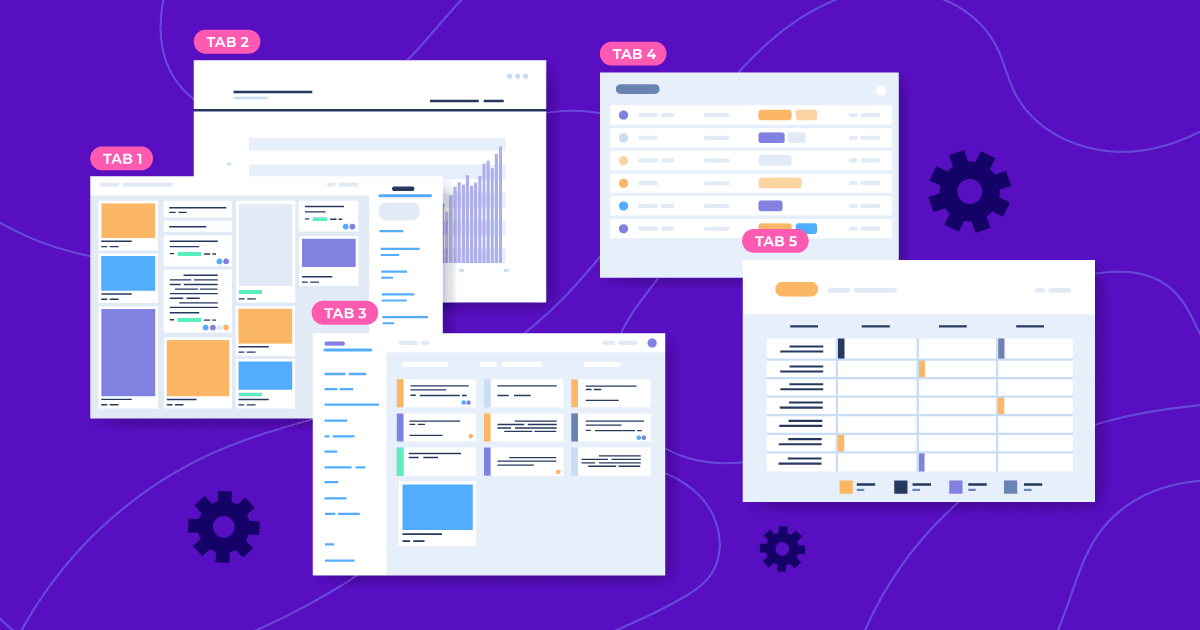

In the world of enterprise development, where applications like CRM, ERP, or document management systems must handle the chaos of everyday tasks, users often face a frustrating problem: losing context while navigating.
Business users don’t work “one screen at a time.” They simultaneously open customer lists, contract cards, invoices, reports, directories, and several other service forms. In classic web navigation, this turns into endless “back” clicks, new browser tabs, and constant time wasted searching for information.
At Jmix, we know this problem well — both from customer feedback and from our own experience modernizing legacy systems. Users are accustomed to multitasking in desktop applications. Web versions, by comparison, often feel limited.
That’s why we created the Tabbed Application Mode (TAM) — an add-on that turns a Jmix application into a fully featured workspace inside the browser.
The Problem We’re Solving
A typical enterprise workflow looks like this:
-
A manager opens a customer list.
-
They navigate to a customer detail view.
-
From there, they go to an order list view.
-
From the order, they open an invoice.
-
Meanwhile, they need to check a report or open another customer for comparison.
With standard Flow UI navigation, this means:
-
either constantly replacing one view with another;
-
or relying on browser tabs;
-
or opening views in dialogs that start stacking on top of each other.
The result is lost time, more errors, and lower productivity.
What Tabbed Mode Offers
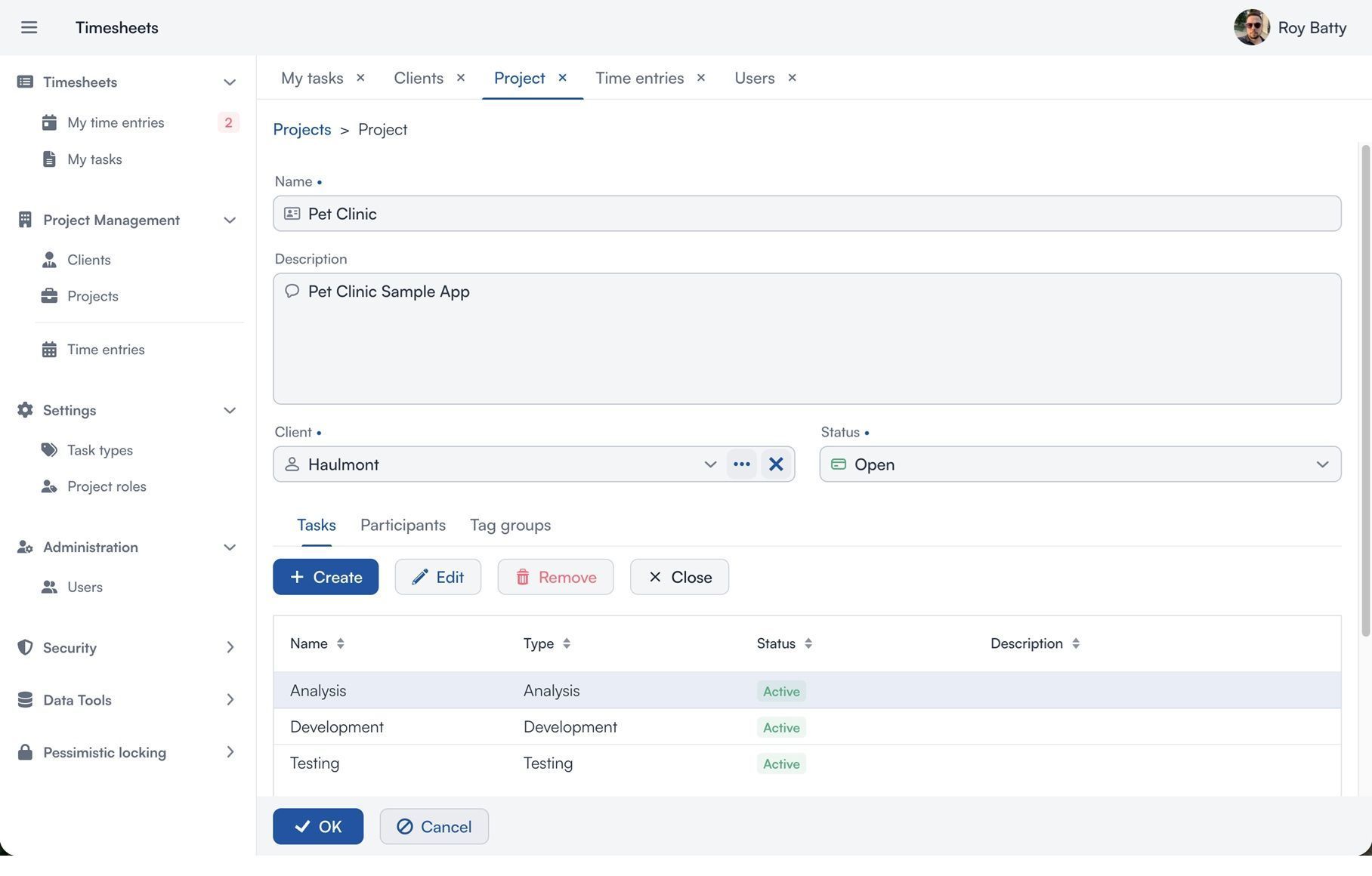
The Tabbed Application Mode add-on changes the entire navigation model of the application. Each view opens in an internal tab within the main view’s work area.
Users can:
-
work with multiple views in parallel — for example, keep a customer list in one tab, edit an order in another, and view a report in a third, instantly switching between them without losing state;
-
open a view stack with breadcrumbs for navigation within a tab — useful for nested scenarios such as viewing an order with order item details;
-
preserve the state of forms and data when switching tabs or reloading the page.
Why This Matters for Jmix Developers
Reduces the Complexity of Navigation Logic
Without tabs, developers must:
-
manage declarative binding of view state to the URL, so that state is correctly restored when the page is reloaded or the user presses “Back;”
-
think through how to pass parameters between views, since not everything is convenient or safe to pass via URL;
-
implement returning results from a view back to the calling view, because navigating “Back” creates a new view instance.
With the Tabbed Application Mode add-on, the state of each view is preserved in memory and is not lost when navigating via breadcrumbs, switching tabs, or reloading the page. Developers are freed from extra infrastructure logic and can focus on business functionality.
Makes UX “Enterprise by Default”
Many teams encountered the same feedback before adopting tabs:
“Why does the system behave like a website and not like a desktop application?”
The Tabbed Application Mode add-on solves this without any additional development. One add-on — and the application feels like a full-featured desktop system, while remaining a web application built on Spring and Vaadin Flow.
Increases User Productivity
In an enterprise system, productivity depends directly on the ability to switch quickly between tasks without losing context.
Without the Tabbed Application Mode add-on, every navigation action destroys the current state: list filters are lost, scroll positions reset, forms are re-initialized, and queries re-execute. Users have to go back, search for records again, or keep multiple browser tabs open — which quickly leads to confusion.
With tabbed mode, views remain “live” within the work area, and users pick up exactly where they left off.
Control and Flexibility
We understand that enterprise applications must be flexible. That’s why the Tabbed Application Mode add-on provides:
-
control over the maximum number of tabs that can be opened in the main view;
-
breadcrumb configuration;
-
forced opening of a view in a dialog window;
-
preventing specific tabs from being closed.
Developers retain full control over interface behavior and can adapt it to the requirements of a specific project.
Our View as the Jmix Team
We build tools for serious enterprise systems.
Tabbed Application Mode is the natural evolution of the platform, reflecting the real-world usage patterns of Jmix applications.
If you’re developing a CRM, ERP, document management system, or an internal business portal, tabbed mode:
-
improves UX without increasing code complexity;
-
reduces the volume of navigation logic;
-
increases user satisfaction.
We see the Tabbed Application Mode add-on not merely as a useful enhancement, but as an essential tool in the arsenal of any Jmix developer building enterprise solutions.


