

Home 
Studio
Jmix Studio: the control
layer for AI-assisted Java
development
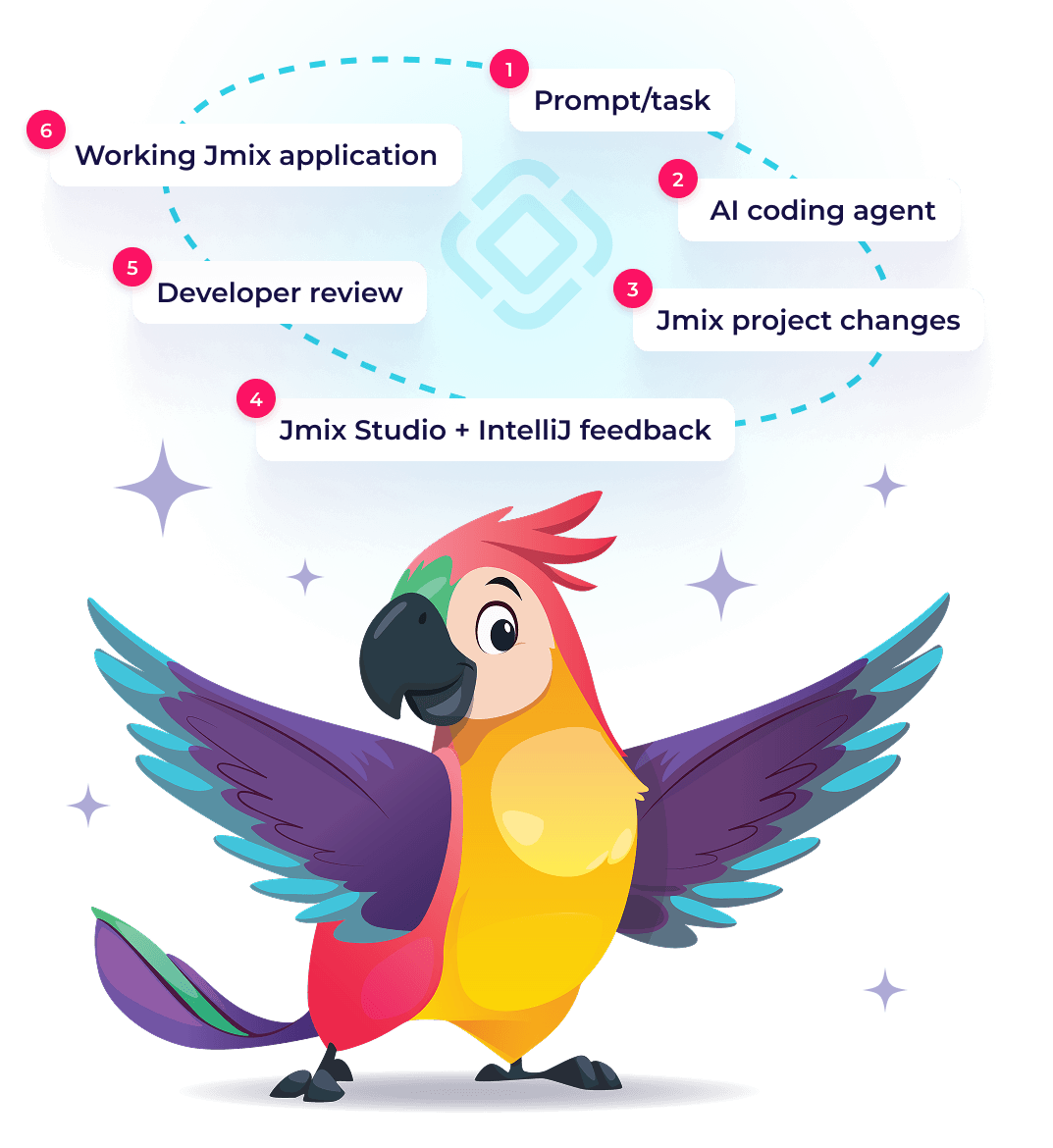
Jmix Studio gives Java teams the visual tools, deterministic generation, and IDE feedback needed to use AI coding agents with more control.
AI Assistant
AI Agent Guidelines
Context7 Documentation
OpenCode
Kilo Code
Qwen Coder
Claude Code
Codex
Gemini CLI
Design visually, stay
in code
Use visual tools for repetitive enterprise application patterns while keeping the generated application fully accessible as Java or Kotlin code in IntelliJ IDEA.
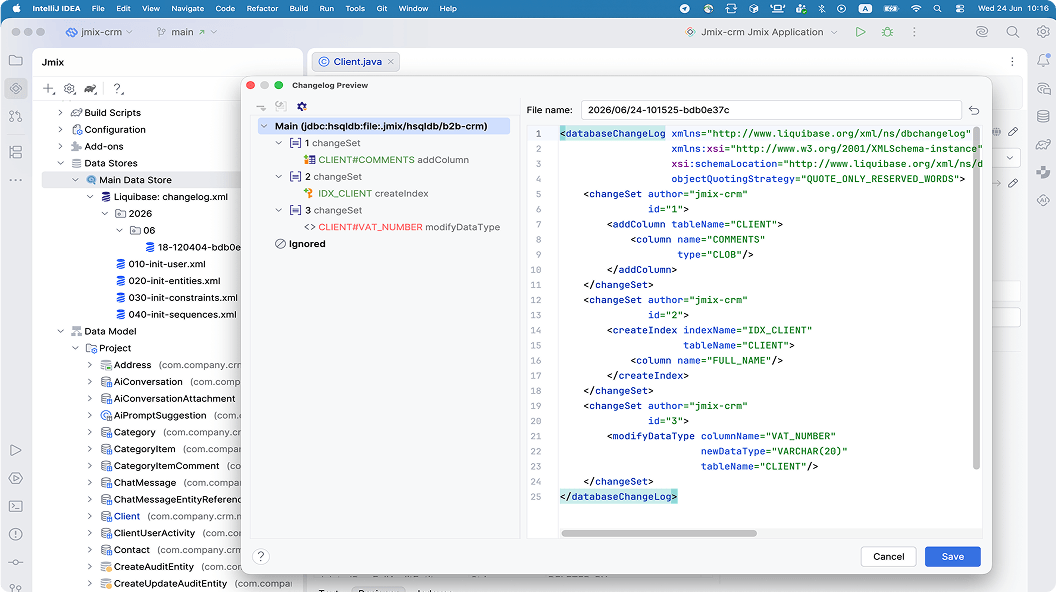
Database Schema
Use automatic Liquibase changelog generation to keep your database schema up-to-date.
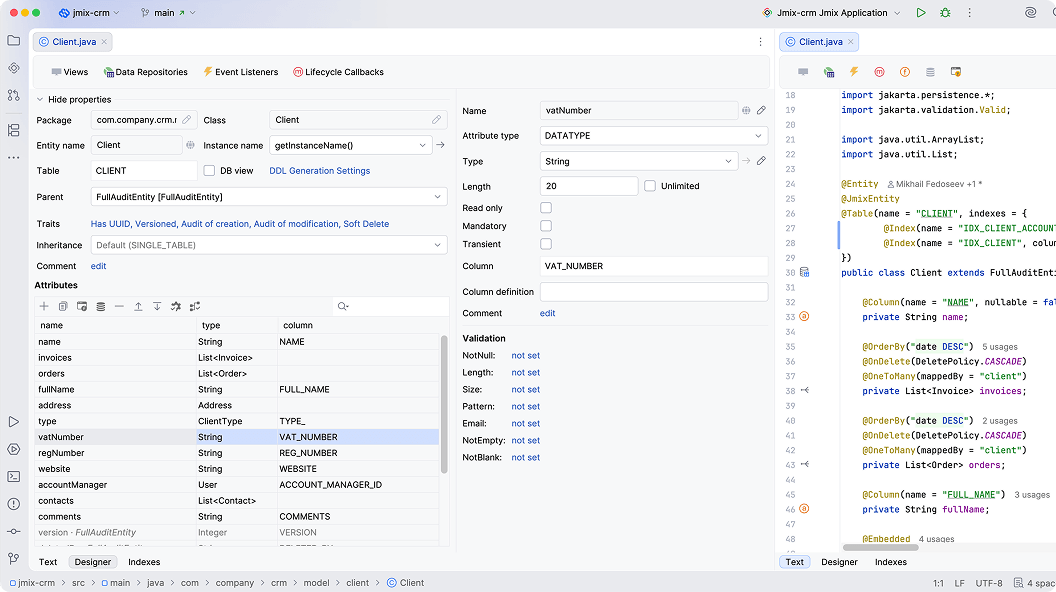
Data Model
Define data model entities in the visual designer or in Java code.
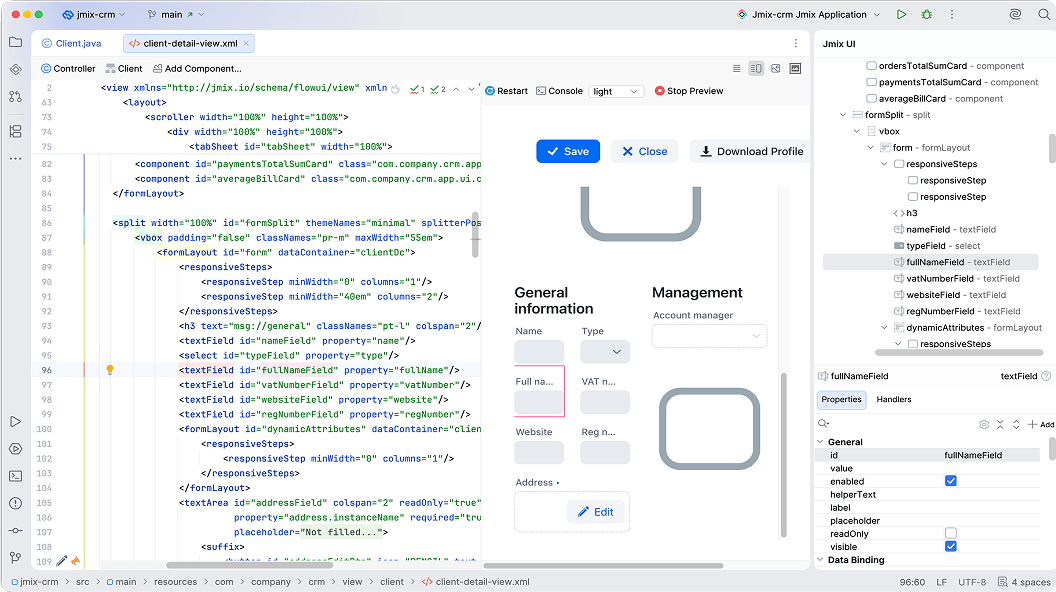
User Interface
Configure the structure and properties of UI components in the WYSIWYG designer with preview.
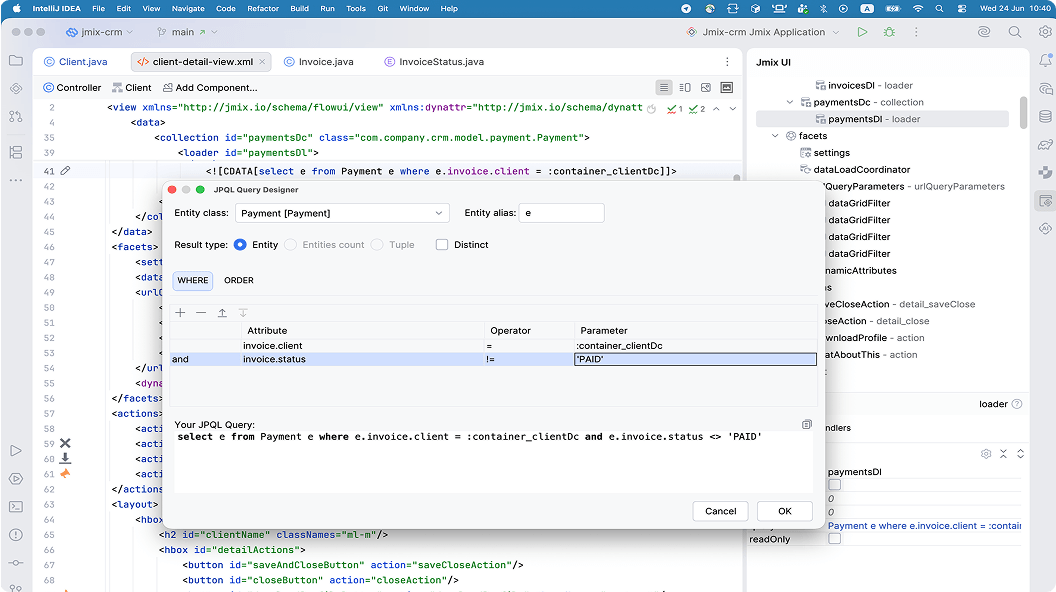
Data Access Queries
Build queries using the JPQL designer.
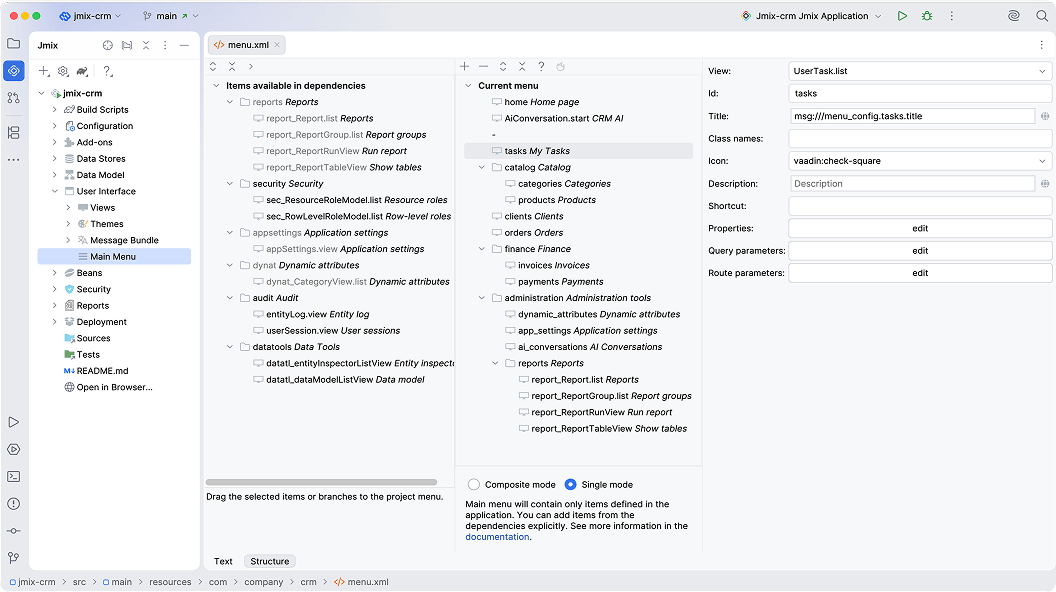
Main Menu
Use menu designer to define the main menu structure.
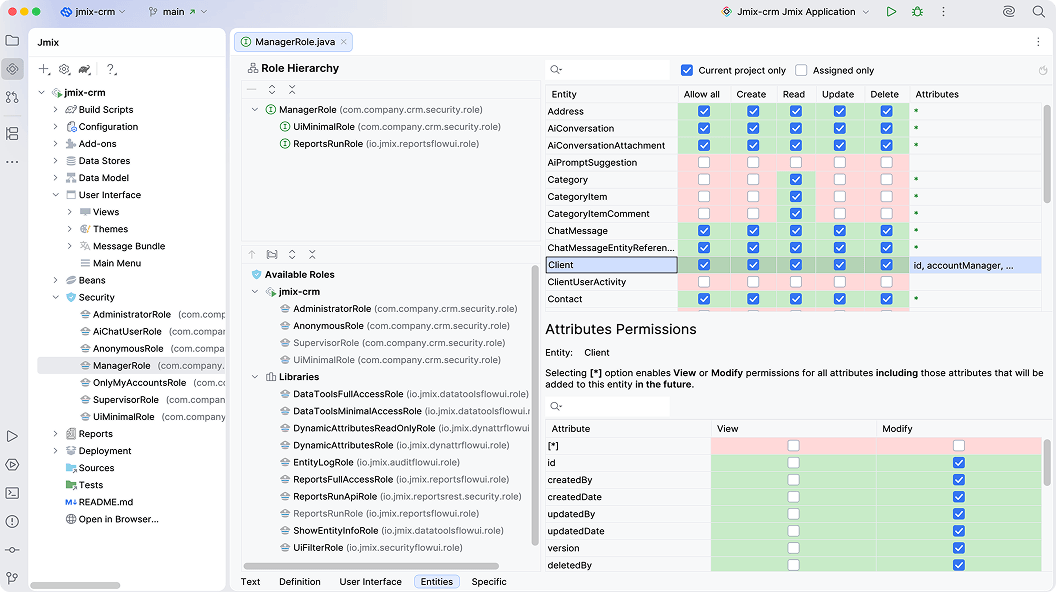
Security Roles
Define security roles, policies and their hierarchy using the role designer
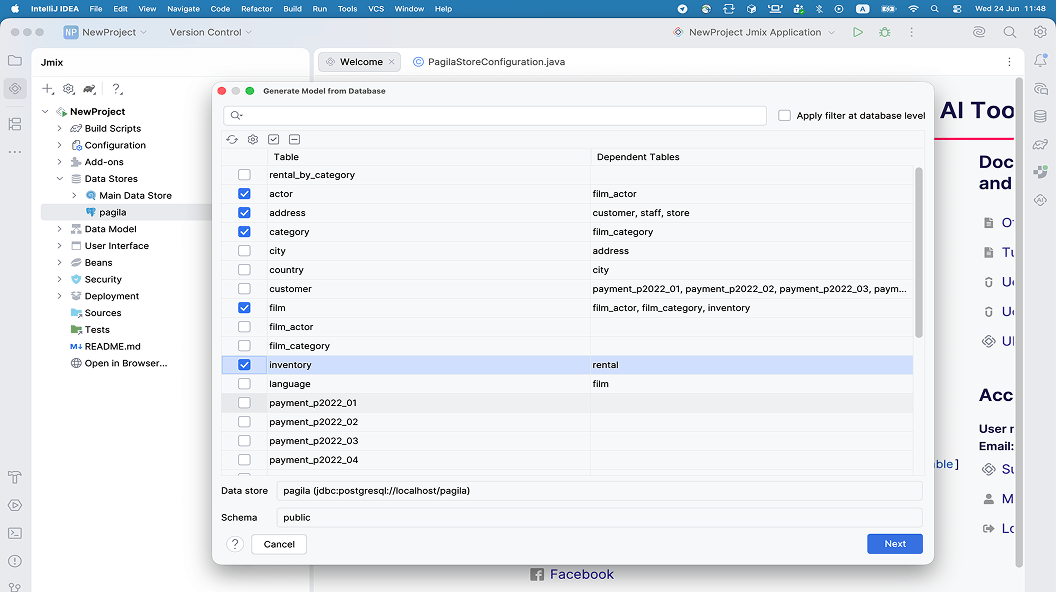
Reverse Engineering from DB
Generate data model and UI from existing database.
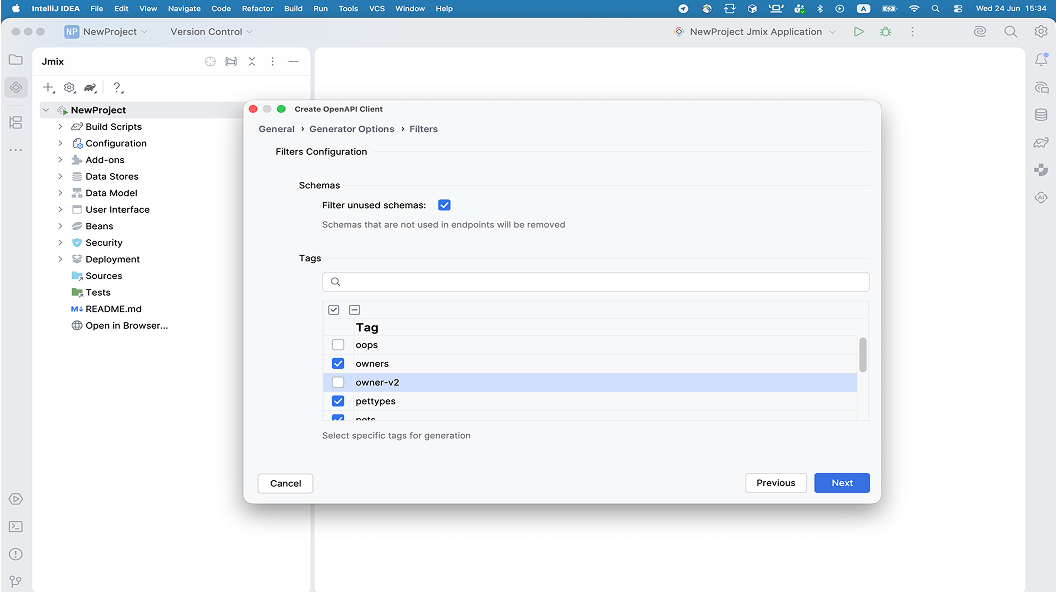
Reverse Engineering from OpenAPI
Generate REST client, data model and UI from existing OpenAPI schema
Generate boilerplate
deterministically
Jmix Studio generates common Jmix artifacts in a predictable way: database migrations, UI views, services,
listeners, event handlers, user roles and permissions. Use AI agents for complex changes, not for boilerplate
that Studio can generate reliably without token spend.
- No token cost for repetitive boilerplate.

- No AI randomness for standard Jmix artifacts.
- Fewer AI-agent iterations.
- Faster path from data model to working screen with your data.



Ask Jmix AI Assistant when you need
platform-specific guidance
Jmix AI Assistant helps developers answer Jmix-specific questions inside Studio or in the browser. Use it to
understand APIs, UI patterns, add-ons, framework conventions, and implementation options before asking a coding
agent to modify the project.
- Helps with Jmix APIs and concepts.
- Useful for onboarding.
- Reduces time spent searching documentation and forum threads.
- Complements coding agents instead of replacing them.
- Start on the web – continue in the IDE.
Guide AI agents with up-to-date
Jmix-specific development rules
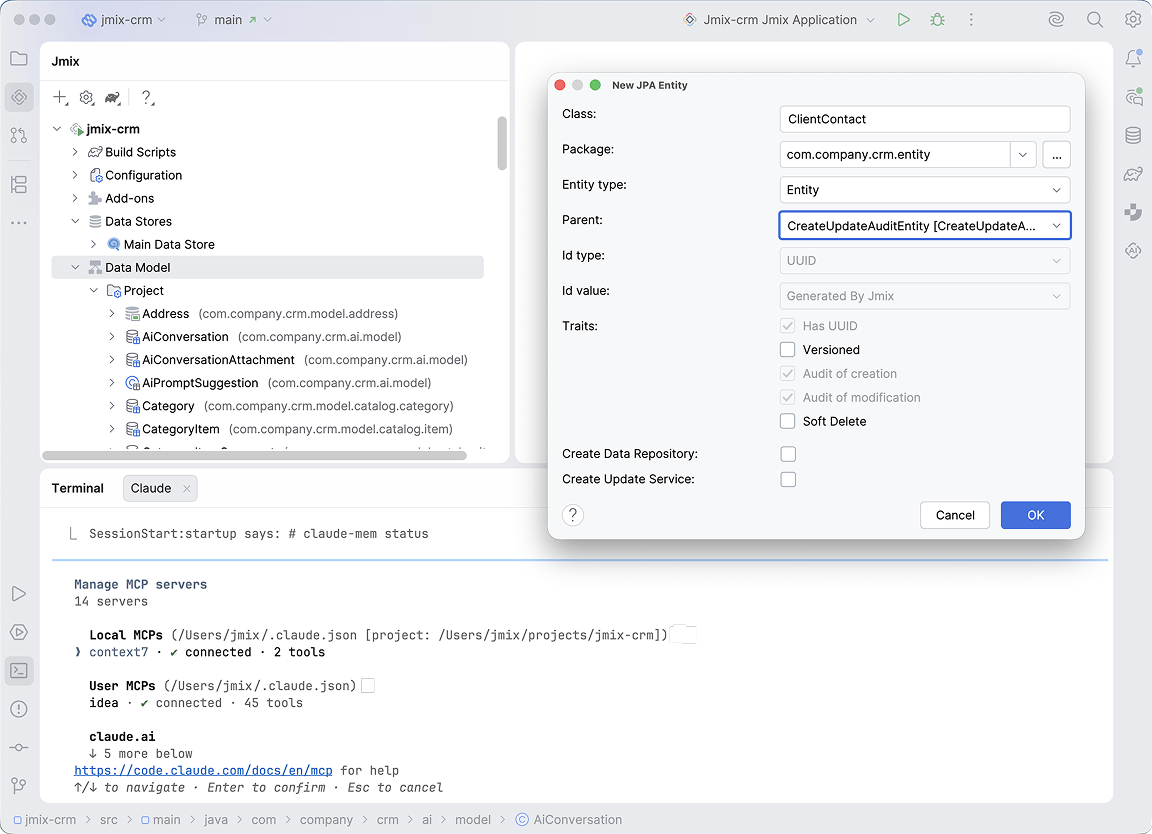
Generic coding agents know Java and Spring. They do not automatically know how a good Jmix application should be
structured. Jmix AI Agent Guidelines provide agents with project rules, architecture overview, and task-specific
skills for working with entities, views, security, data access, reports, and other Jmix patterns.
Select agent
Install Jmix guidelines
Start coding task
Give agents access to Jmix documentation with Context7
AI agents work better when they use the right framework documentation instead of guessing from outdated
training data. Jmix provides Context7-ready documentation and UI samples, so supported coding agents can
retrieve Jmix-specific API references, examples, and usage patterns during development.

Works with your AI coding agent –
on-prem or in the cloud
Use Claude Code, Codex, Gemini CLI, OpenCode, Kilo Code, Qwen Coder, or another coding agent. Jmix Studio adds
the Jmix-specific tooling, guidelines, documentation context, and IDE feedback needed to make agentic
development more predictable.













Code with agents,
Studio, and IntelliJ
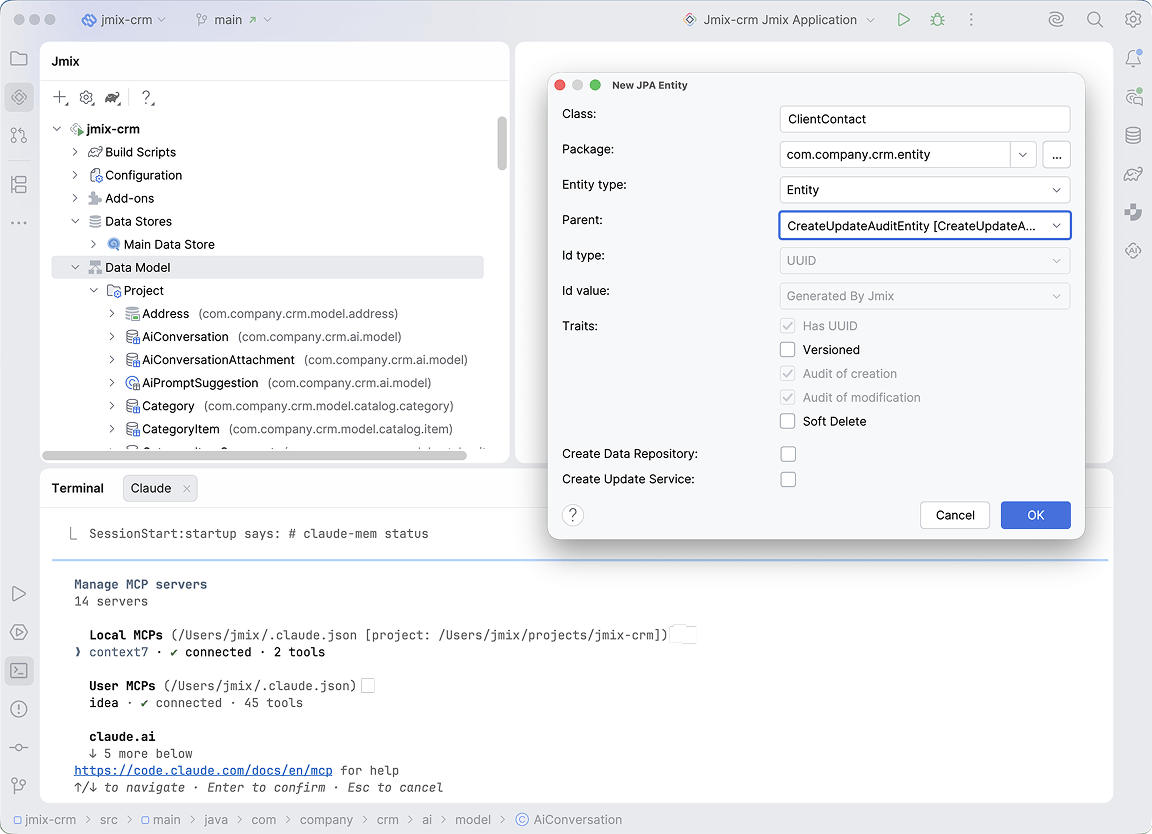
Jmix Studio extends IntelliJ IDEA with Jmix-specific navigation, inspections, visual project tools, code
generation, and quick fixes. Use it together with AI coding agents for code changes, while Studio keeps the
project easier for developers to understand, inspect, and evolve.
- Navigate entities, views, roles, menu items, and project structure visually.
- Generate repetitive code and configuration deterministically.
- Use AI agents for larger implementation tasks.
- Check Jmix conventions inside the IDE.
- JetBrains MCP Server exposes IDE analysis and framework feedback to the agent loop.
Debug and deploy
without leaving the professional toolchain
Use Jmix Studio and IntelliJ IDEA to run, debug, package, and deploy applications using familiar Java
development workflows. Move from local development to deployable artifacts without assembling every step
manually.
 Hot redeploy
 Debugging
 Docker image creation
 Kubernetes deployment
- Cloud deployment
Why it matters for Java teams

Challenge
AI agents waste iterations on repetitive boilerplate
Generic agents miss framework conventions
Agents rely on stale or generic framework knowledge
Agents need project-specific development rules
Team handover takes too long
Developers lose time searching docs and examples
AI-generated changes are hard to verify

How Jmix Studio and AI tooling help
Studio generates common Jmix artifacts deterministically, without token
spend
Jmix inspections and quick fixes highlight problems inside IntelliJ
Context7 support gives agents access to Jmix documentation and UI samples
Jmix AI Agent Guidelines add rules, architecture context, and
task-specific
skills
Studio visual tools and project navigation help developers understand the
application faster
Jmix AI Assistant provides platform-specific guidance from Jmix knowledge sources
JetBrains MCP Server exposes IDE analysis and framework feedback to the agent loop


No runtime fees for
applications you build
Build and deploy as many applications as your team needs. Jmix Studio is priced per developer,
with no runtime fees for applications created with Jmix.
with no runtime fees for applications created with Jmix.


Discuss your project requirements
with an expert