

Jmix Course for Beginners 

Course Prerequisites

1
Basic knowledge of Java programming
2
Understanding of relational databases (such as SQL, tables, and relationships)
3
Experience with an IDE (preferably IntelliJ IDEA)
basic-certificate image

After the course you will:

  • Be able to build typical Jmix applications, including data model, user interface and role-based access control
  • Be confident working with file management across different scenarios and approaches
  • Have a clear understanding of Jmix fundamentals and Jmix Studio
  • Establish a solid foundation for further learning — from data manipulation to business process automation
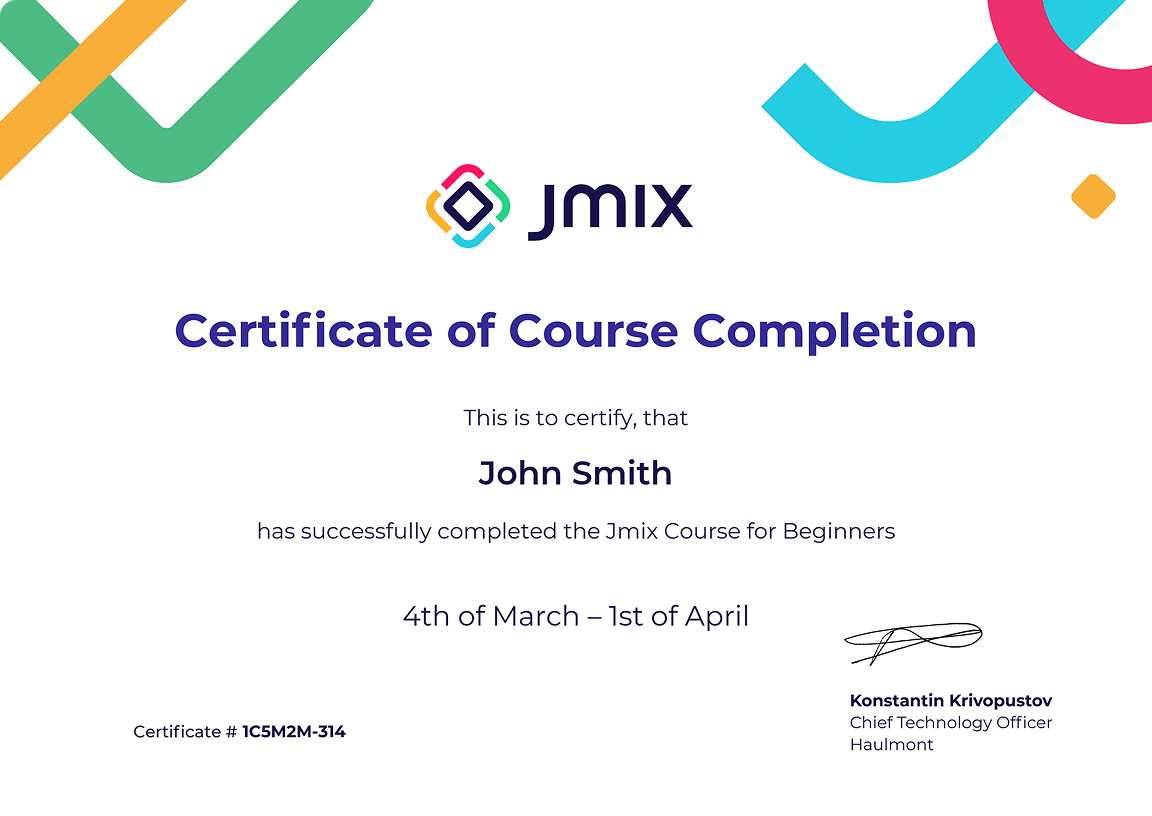
At the end of the course, students receive a certificate of completion
and a badge that can be shared on social media. mascot image

Program (8 hours training)

Introduction to Jmix 
  • Overview of the framework 
  • Key concepts: entities, data model, UI, business logic 
This course is designed to familiarize you with the Jmix framework, its main features, and the Jmix Studio development environment.
Course program:
  • What is Jmix. The purpose and architecture of the framework
  • Application data model. Creating a data model in Jmix Studio
  • Database versioning. Database versioning scripts creation
  • Administrative user interface. Generating screens for working with data
  • Security basics. Jmix role types. User creation
  • Working with data. Using DataManager
  • Business logic creation. Using Business Logic in the administrative user interface
  • FatJar. Application deployment
Jmix security – basics 
This course is designed to study the main elements of the Jmix security subsystem, and the rules of building a role model providing access to the data and functionality.
Course program:
  • Structure of the Jmix security subsystem
  • The "User" entity. Purpose and usage
  • Obtaining information about current user
  • Resource roles. Defining resource roles in code, using in the application
  • Row-level roles. Defining in code, using in the application
  • Jmix built-in roles
  • Roles combining. Roles structuring in the project
Deployment
This course covers the basic ways to deploy Jmix applications.
Course program:
  • Deployment format: WAR and JAR
  • Creation of an executable file
  • Execution profiles. Configuration options specific for a deployment environment
  • Deployment format guidelines