Overview
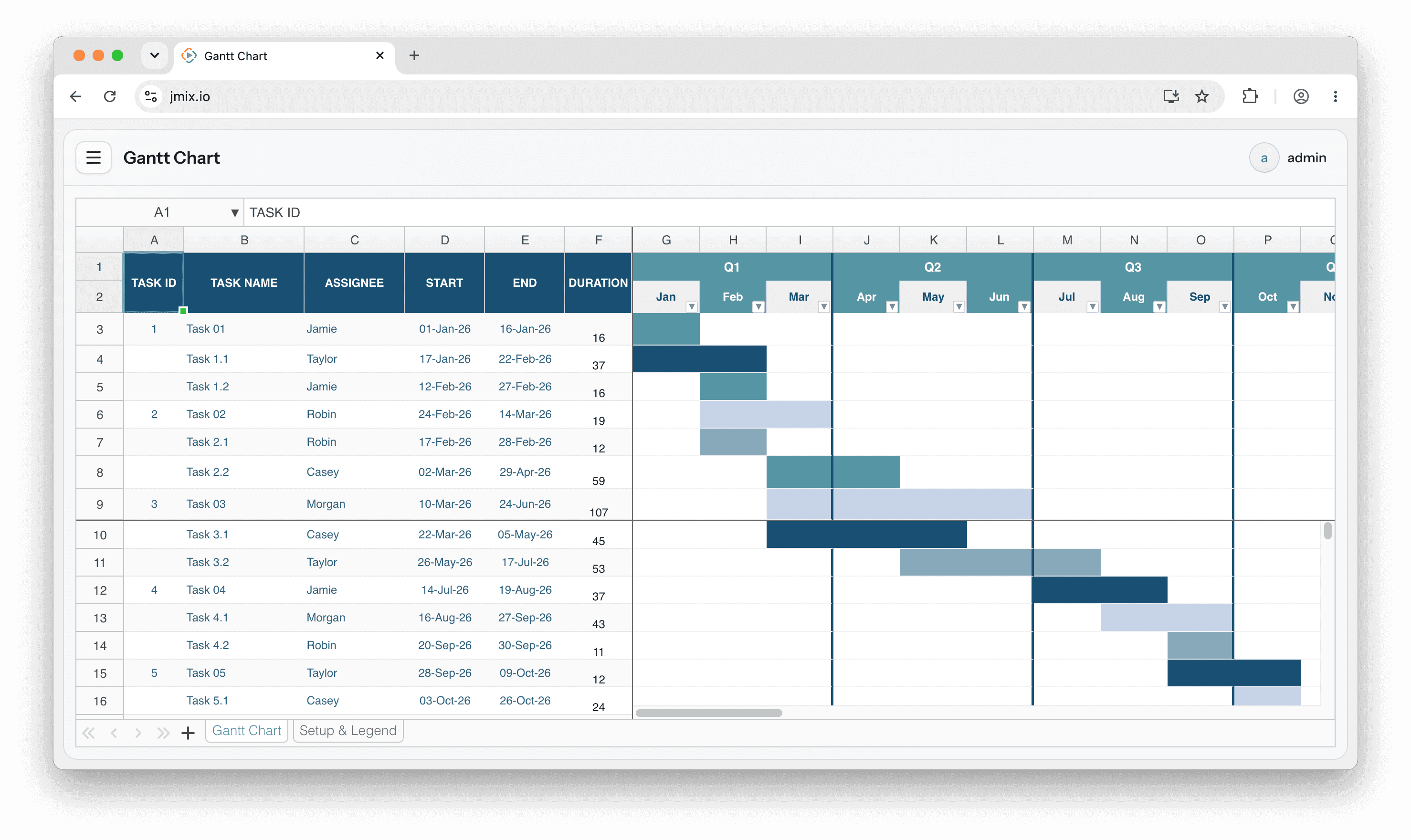
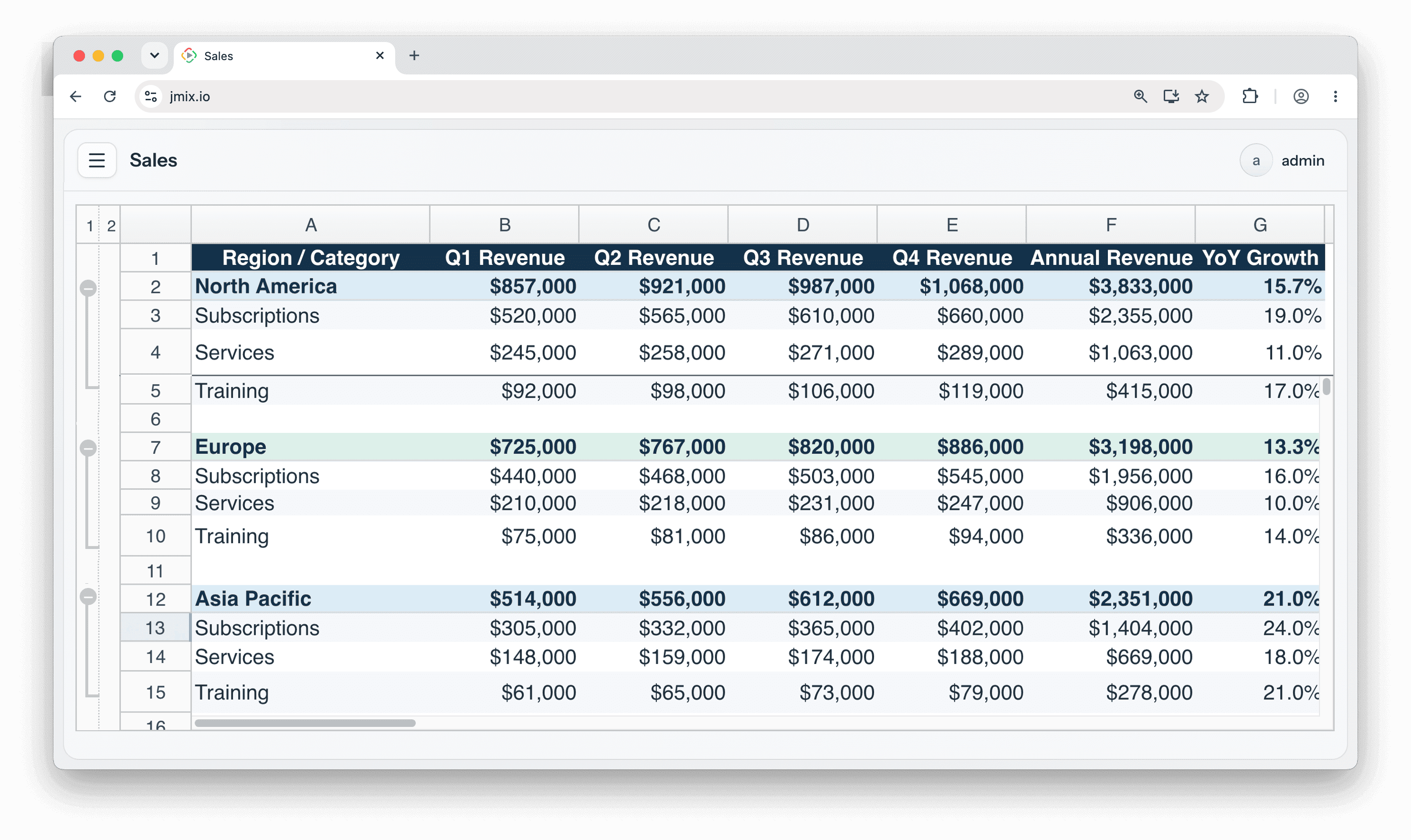
Bring interactive spreadsheets into your Jmix application with the Vaadin Spreadsheet add-on. Built on the official Vaadin Spreadsheet component and Apache POI, it renders and edits Microsoft Excel (.xlsx) files directly in the browser, with support for formulas, charts, multiple sheets, frozen panes and Excel-style formatting. Add a spreadsheet declaratively in your view XML and control it from Java: load and save workbooks, react to cell, selection and sheet events, and plug in custom handlers for cell editing, hyperlinks and embedded components. A report-style mode lets you present generated, read-only spreadsheets as polished output.
Important: this is a commercial Vaadin component, so using this add-on requires an active Vaadin subscription for Jmix..
Use Cases
- In-app Excel editing: let users open, edit and save .xlsx workbooks without leaving your application.
- Data-entry grids: provide a familiar spreadsheet interface for bulk input, complete with formulas and formatting.
- Tabular reports: render generated workbooks as formatted, on-view reports.
Key Features
- Built on Vaadin Spreadsheet: the official commercial Vaadin Spreadsheet component, integrated into Jmix UI.
- Full Excel compatibility: read, edit and write .xlsx files via Apache POI, preserving formulas, formatting and styles.
- Rich spreadsheet experience: formulas with a formula bar, charts, multiple sheets with a sheet-selection bar and frozen panes.
- Declarative and programmatic: declare the component in view XML and drive it from Java - active sheet, sizing, themes and more.
- Events and handlers: subscribe to cell value, formula, selection and sheet change events; supply custom handlers for cell deletion, hyperlinks and embedded components.
- Report-style mode: present generated spreadsheets as clean, read-only output.
- Studio support: component palette, property editors and live preview in Jmix Studio.
Put the power of Excel inside your Jmix application with the Vaadin Spreadsheet add-on.