


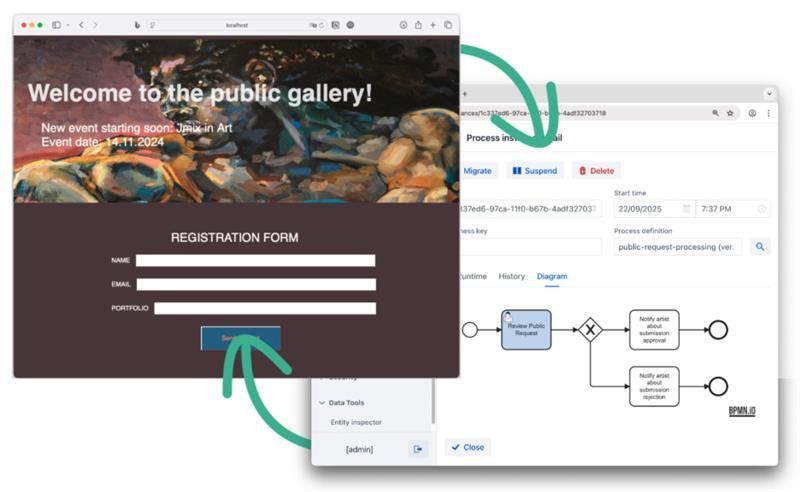

Jmix BPM is an open-source platform that helps Java developers automate processes while avoiding complexities of BPM engine configuration. With a set of intuitive BPMN 2.0 visual tools it provides a user-friendly experience for creating, running, and testing business processes.
This tutorial explores Jmix BPM capabilities through a practical example: an art gallery website where artists can submit requests to take part in the upcoming event, backed by a collaborative, process-driven application that helps curators review submissions.
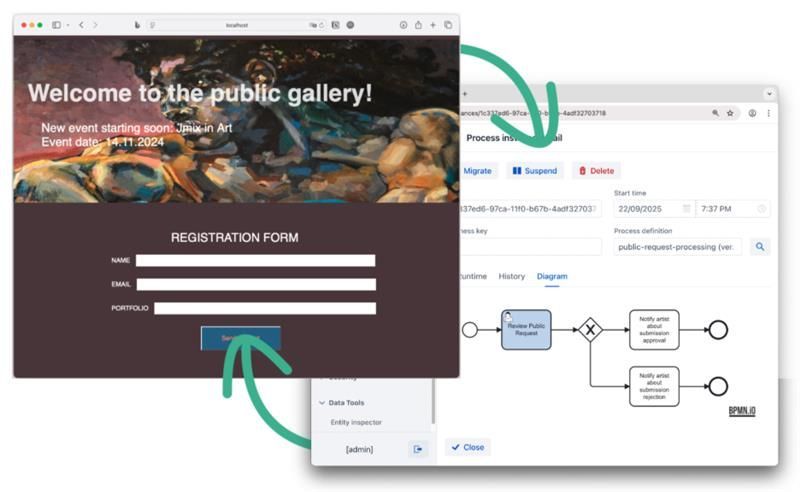
In the course of the tutorial, you will:
- Design and run a web site
- Develop a backend application
- Create and integrate a business process
By the end of this tutorial, you'll be ready to develop your own process-driven application within a tight timeline, as a solo project or with a small team.
Jmix for sure. What else?
As you start a project, you’ll likely find yourself asking questions and investigating tools. You might consider building a public-facing part using PHP or creating a Single Page Application with React. What about using Next.js for business logic? Which BPM engine would best suit your needs — Flowable or Camunda? Should it be a standalone or embedded solution? How will you manage production deployments effectively? Where should data be stored — on the BPM engine's side or in a separate backend? How to design process forms?
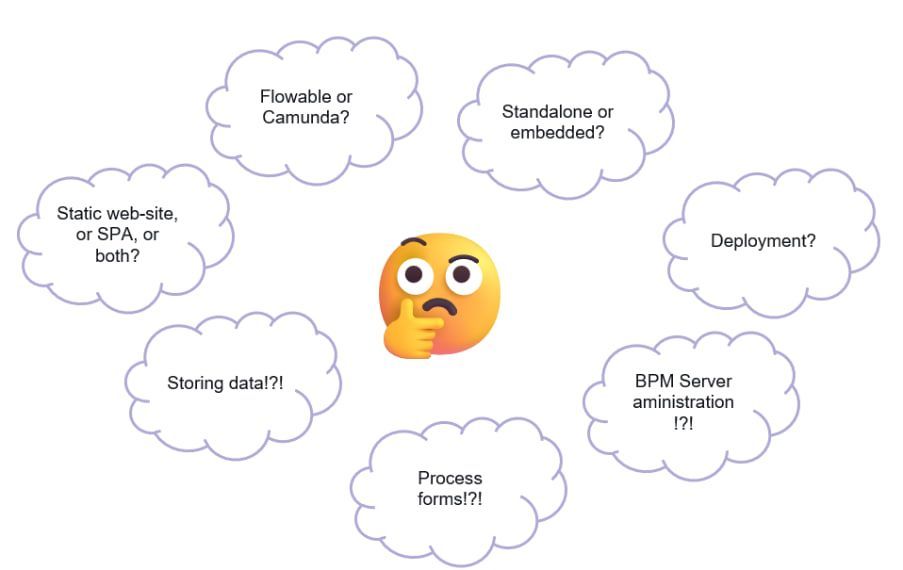
This can be overwhelming, but Jmix is here to make things manageable. However, Jmix alone won't cover everything.
Overall, to complete this tutorial, you will need the following:
- IntelliJ IDEA with Jmix plugin
- Jmix REST API and Jmix BPM add-ons
- GrapesJS (or your preferred tool for creating a website layout)
- Docker Desktop to run NGINX web server image
Website Design
Let’s begin with creating a public-facing part of the service. GrapesJS is a fantastic tool for creating visually appealing layouts without going deep into HTML and CSS.
GrapesJS is not limited to designing web sites; there are numerous other use cases. As a quick example, Jmix employs GrapesJS designer for its message templates add-on.
With the WYSIWYG designer, you can see a live preview of a web page as you build it. No need to be a web design pro or have any special expertise to use this tool.
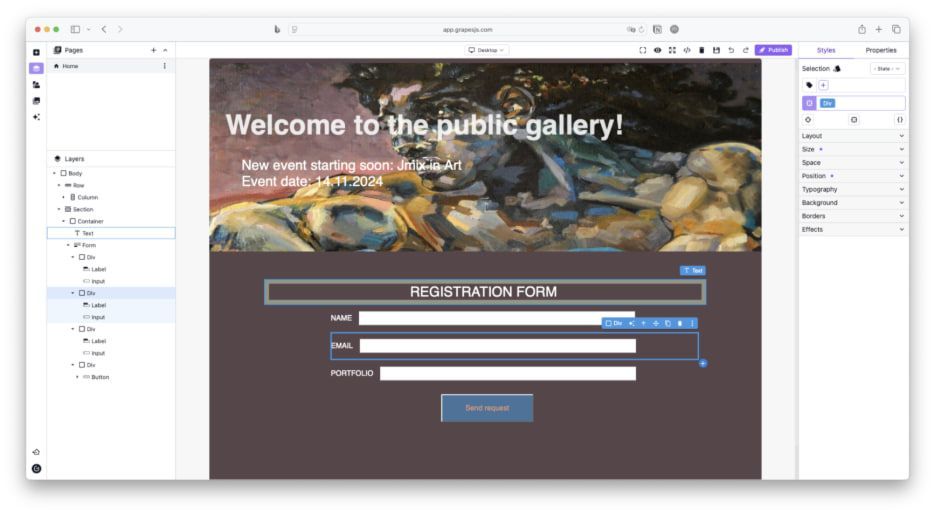
Similarly, there is no need to aim for perfection. It's easy to get caught up in making endless tweaks. At first, just focus on adding the fields needed for user input.
Looking ahead, this page will communicate with the backend application. To make this work, include the following JavaScript snippet: